
ChatGTP just released their browser called Atlas. Click here for download.
One of the immediate cool features of Atlas is the ability to open a side panel (see image below) by clicking on the upper right icon [Ask ChatGTP]. I then asked it, “can you help me promote my site?” What Atlas returned was invaluable: A step by step guru guideline. It attached to my site and analyzed the SEO, then laid out a game plan. Whoa…… this is not your father’s browser……

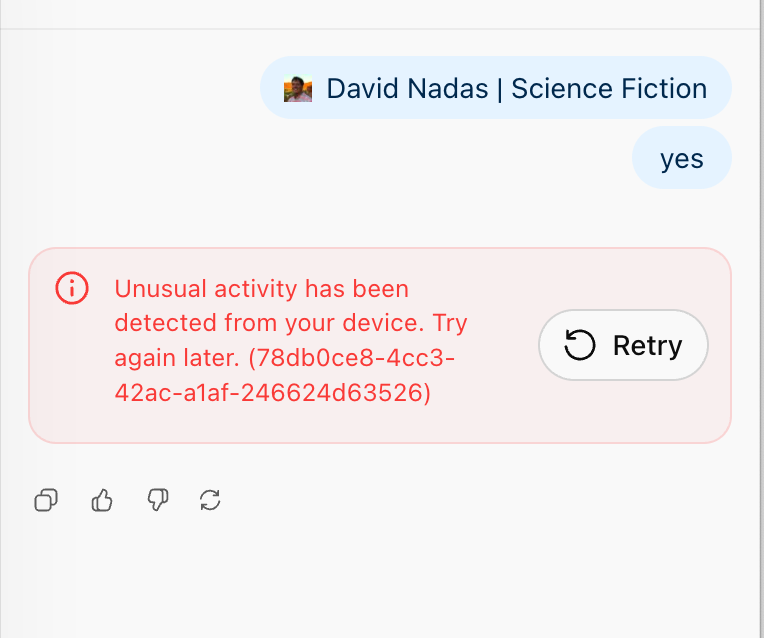
It is not without a few anomalies, such as sometimes being a little slow to respond or just spinning on a request it can’t quite handle, most likely due to what I was asking it to do. I was also getting a popup about “Unusual Activity” but I think with a little more integration I can see how the browser will change. I was a bit skeptical to import all my previous browser information as well as my apple keychain passwords upon install and will explore this when I am a little more comfortable as to what was going on under the hood.
There is also no visible URL bar at the top of the browser, but you just click up where you think it should be and voila–there it is.
I have long ago abandoned going to google.com to search for things in lieu of ChatGTP, Gemini (my favorite so far), Grok (x.ai), etc., but Atlas is showing a lot of potential.
Out of the gate–I’m a fan. Tech is changing quickly.
 David Nadas